
Article writing
An AI Article Writer That Writes Like Your Site
Write & Grow is an AI article writer for WordPress that researches each topic, writes in the voice you set for your site, and adds images and links to your other posts. Run a fact check before it goes live, then publish on your schedule.
What the AI Article Writer Produces
One account covers every kind of article a content site needs. Each one has its own page with the details.
News posts
Short, timely articles written from the stories in the RSS feeds you add, with the original story linked.
Evergreen guides
Long-form how-tos and explainers from your content plan, built to answer what people search for all year.
Product articles
Roundups, single reviews, comparisons and buying guides around the products you choose.
Updates and rewrites
A new section for an older post, or a full rewrite, published back to the same address.
Pages
Hub, landing, About and policy pages for WordPress, written from the facts you give and reviewed before they go up.
How Each Article Is Written
The same steps run for a news post and a guide. The research gets deeper as the article gets longer.
Start from a topic
A story from your feeds, the next topic in your content plan, or the address of any article you paste in.
Research before writing
The writer reads sources on the topic and the pages that already rank on Google for it. A long guide reads 8 sources and studies 8 top-ranking pages.
Write in your voice
Your site’s persona sets the audience, tone, topics to cover and topics to avoid. The byline uses the author name and bio you choose.
Answer first
The first paragraph under each heading answers that heading in 40 to 60 words, so a reader gets the point before the detail.
Add images and links
A featured image and in-article images are added and checked for relevance. Links to related posts on your site are added in the style you pick.
Check, review, publish
Fact-check the draft, edit anything, then publish live, send it to WordPress as a draft, or hold it until someone marks it reviewed.
News Posts and Evergreen Guides Side by Side
Each site can run both at once, on separate schedules.
| News post | Evergreen guide | |
|---|---|---|
| Comes from | Stories in your RSS feeds | Topics in your content plan |
| Length | About 400 to 900 words | About 1,500 to 2,000 words |
| When it is written | Within 24 hours of the story appearing | A day ahead of its slot |
| What it adds | The story, its background and why it matters | A full answer, an FAQ and a practical takeaway |
| Publishing | Inside your posting window, live or as drafts | Automatically, after your review, or by hand |
Set Once Per Site, Then Let It Write
What you set for each site
Every site you connect gets its own settings, so a golf blog and a tech news site never sound alike.
- Who reads it and how formal it sounds
- Topics to cover and topics to avoid
- Article length for the site, and for each planned topic
- Internal links inline, as “Read also” lines, as a related list, or off
- Posts per day and the hours they go out
What every article gets
These come with each article on every plan, with no extra settings to turn on.
- Links to the sources it used
- A featured image of its own
- An image check that holds back pictures that don’t match
- Fact-checks from your monthly allowance
- A draft page where you can edit text and images
A Guide Written for a Live Site
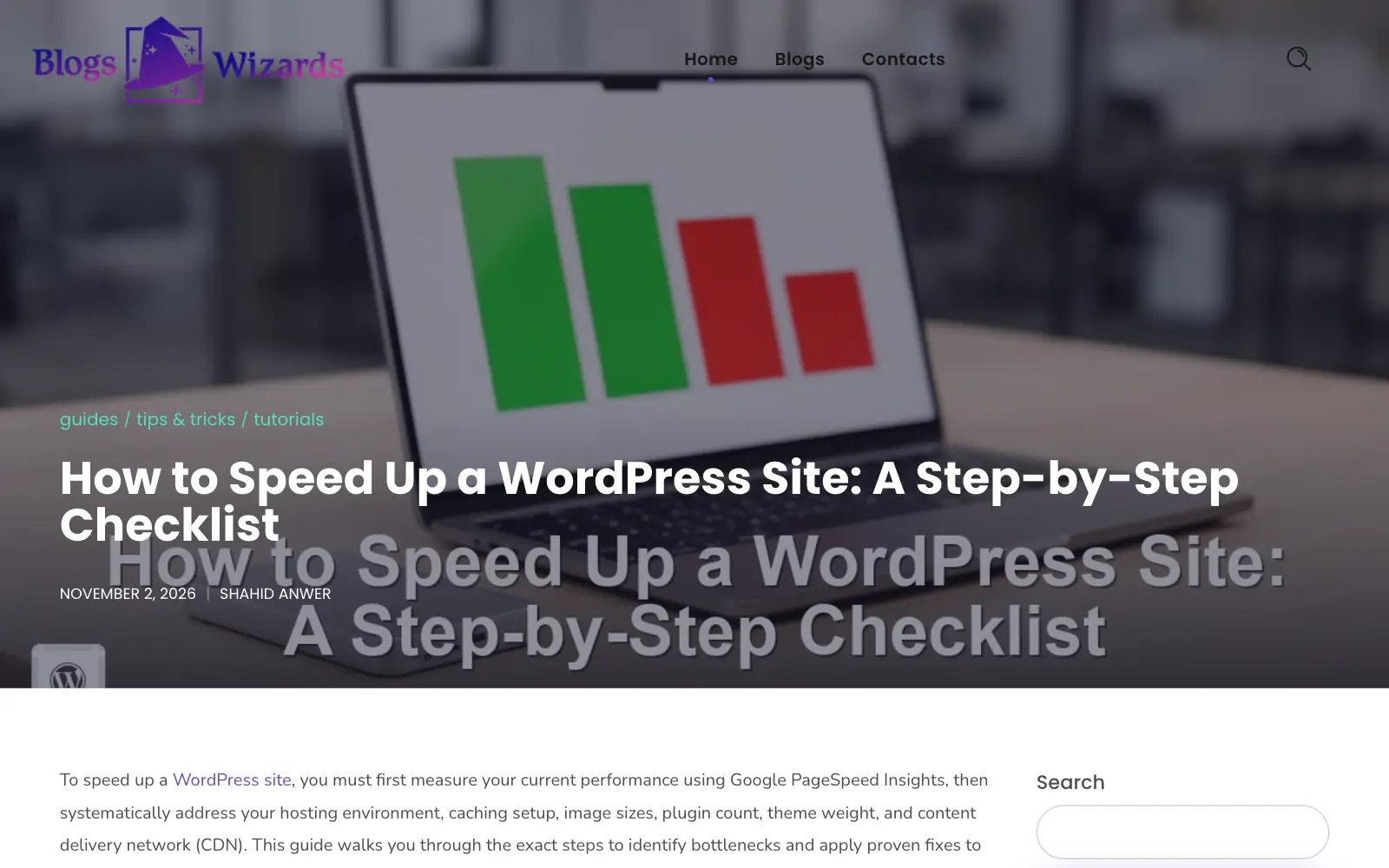
Blogs Wizards, one of our own sites, publishes WordPress guides written with Write & Grow, reviewed and fact-checked before they went live.
AI Article Writer Questions
A chat assistant answers one prompt. Write & Grow researches each topic first, writes in a voice you set once per site, adds images and links to your related posts, and publishes to WordPress on a schedule. You can also fact-check each article against the sources it opened.
Yes. News comes from the RSS feeds you add and is written while the story is still new. See the AI news article writer. Guides come from your content plan and are written long-form.
Yes. Ghost and Wix are supported, and a signed webhook sends articles to any other CMS or static site. Pages, updates of older posts, internal links and categories are WordPress-only for now.
Yes. It can add a section to an older post or rewrite it completely, including posts written before you joined. See updating old blog posts.
Plans come with monthly credits: a news article uses 10 and a long-form guide 15, each with its featured image. Starter’s 800 credits make about 53 to 80 articles, Pro’s 2,200 about 146 to 220, Agency’s 6,800 about 453 to 680 and Agency Plus’s 18,500 about 1,233 to 1,850. Fact-checks and extra images use the same credits. See pricing.
Free to set up
Start Growing Your Site With Articles You Can Trust.
Connect your WordPress site and add your sources for free, then choose a plan when you’re ready to write.