
AI Content & SEO
Autoblogging in WordPress: How to Automate Content Safely and Avoid Spam Penalties
Fact-checked: 13 claims checked against sources

Autoblogging in WordPress uses plugins or external services to automatically generate and publish posts from RSS feeds, AI prompts, or keyword lists, but doing it safely requires strict human review to avoid Google's scaled content abuse policies. This guide explains the three main autoblogging setups, the search engine risks involved, and the exact workflow to publish automated content without tanking your rankings.
What exactly is autoblogging in WordPress?
Autoblogging in WordPress is the process of using software to automatically create and publish blog posts from external inputs like RSS feeds, keyword lists, or AI topic generation. A plugin or connected service pulls these items on a schedule, formats them, and either publishes them live or queues them for editorial review.
It is not a single tactic, but rather a spectrum of automation. According to SmartWP, autoblogging automatically creates posts from inputs you choose deliberately, but the difference between useful automation and thin content comes down to the setup. At one end of the spectrum, you have simple feed aggregators that pull industry news. At the other end, you have complex, multi-step pipelines that research topics, draft long-form articles, generate images, and push them to your site via API.
How do the three common autoblogging setups work?
Write & Grow Blog
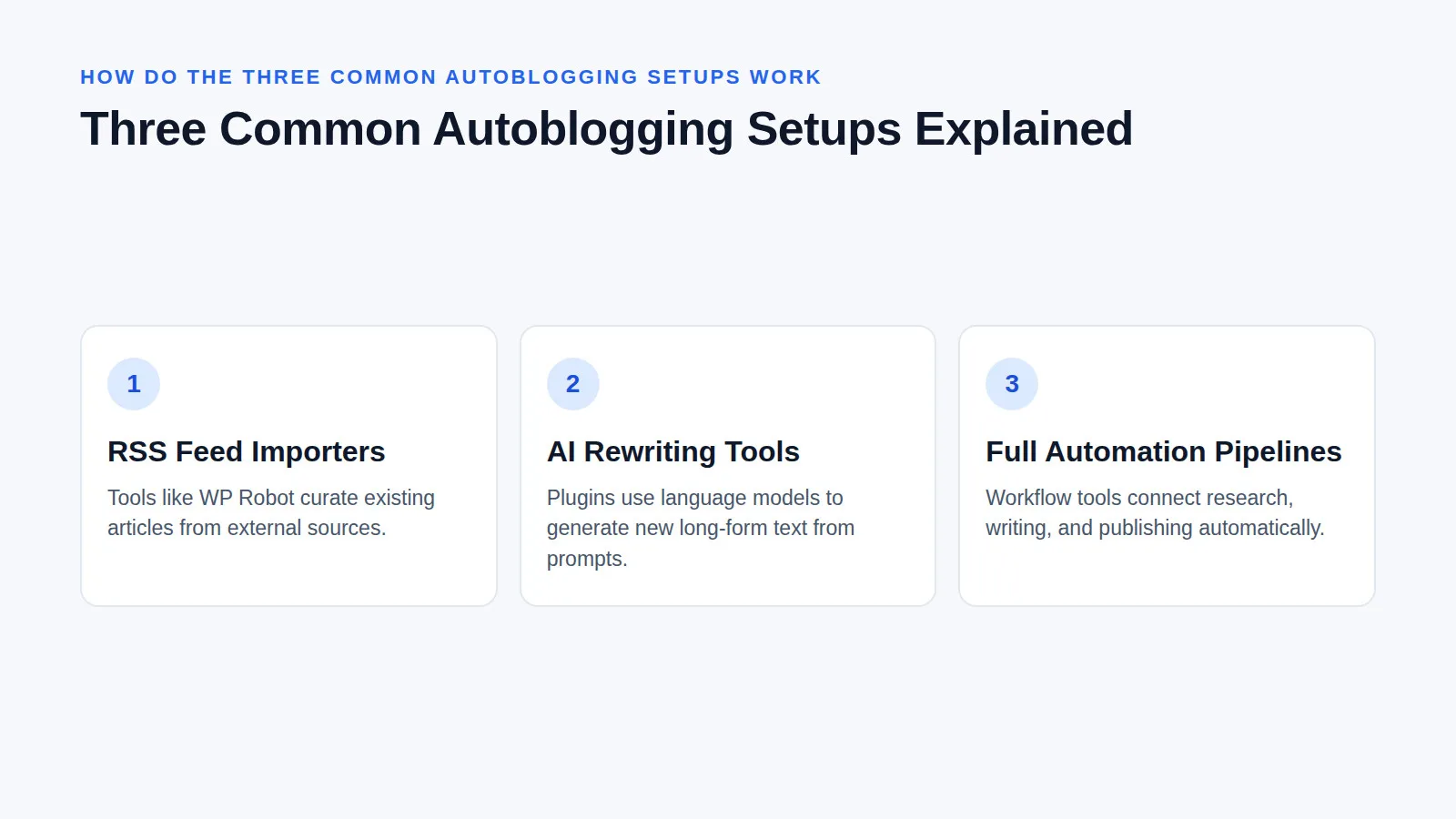
The three common autoblogging setups are RSS feed importers that curate existing articles, AI rewriting tools that generate new text from prompts, and full automation pipelines that connect research, writing, and publishing. Each method requires different levels of configuration, and choosing the right one depends on whether you need content curation or original article generation.
RSS Import Plugins Tools like WP Robot and Content Pilot pull from various external sources. Content Pilot can even automatically inject your affiliate link into imported posts to help monetize the traffic. For more granular control, the RSS Multi Feed Importer lets you retrieve extended content from the original source and apply keyword filters to ensure only relevant items are imported.
AI Rewriting Tools Plugins like AI Autoblogger and WPAutoBlog use language models to write long-form articles based on your inputs. With AI Autoblogger, your expertise belongs in the instructions, allowing you to provide specific terminology, outlines, and section-level prompts. RightBlogger offers a review-first mode where posts land as drafts, while WPAutoBlog lets you schedule how often you want the post to publish, giving you control over the publishing cadence.
Full Automation Pipelines Advanced setups use workflow tools like n8n to trigger deep research from a Google Sheet. These pipelines can generate unique images for each chapter, insert internal links automatically, and back up everything to Google Drive before finally publishing the SEO-optimized post to WordPress.
What are the risks of automated publishing?
Write & Grow Blog
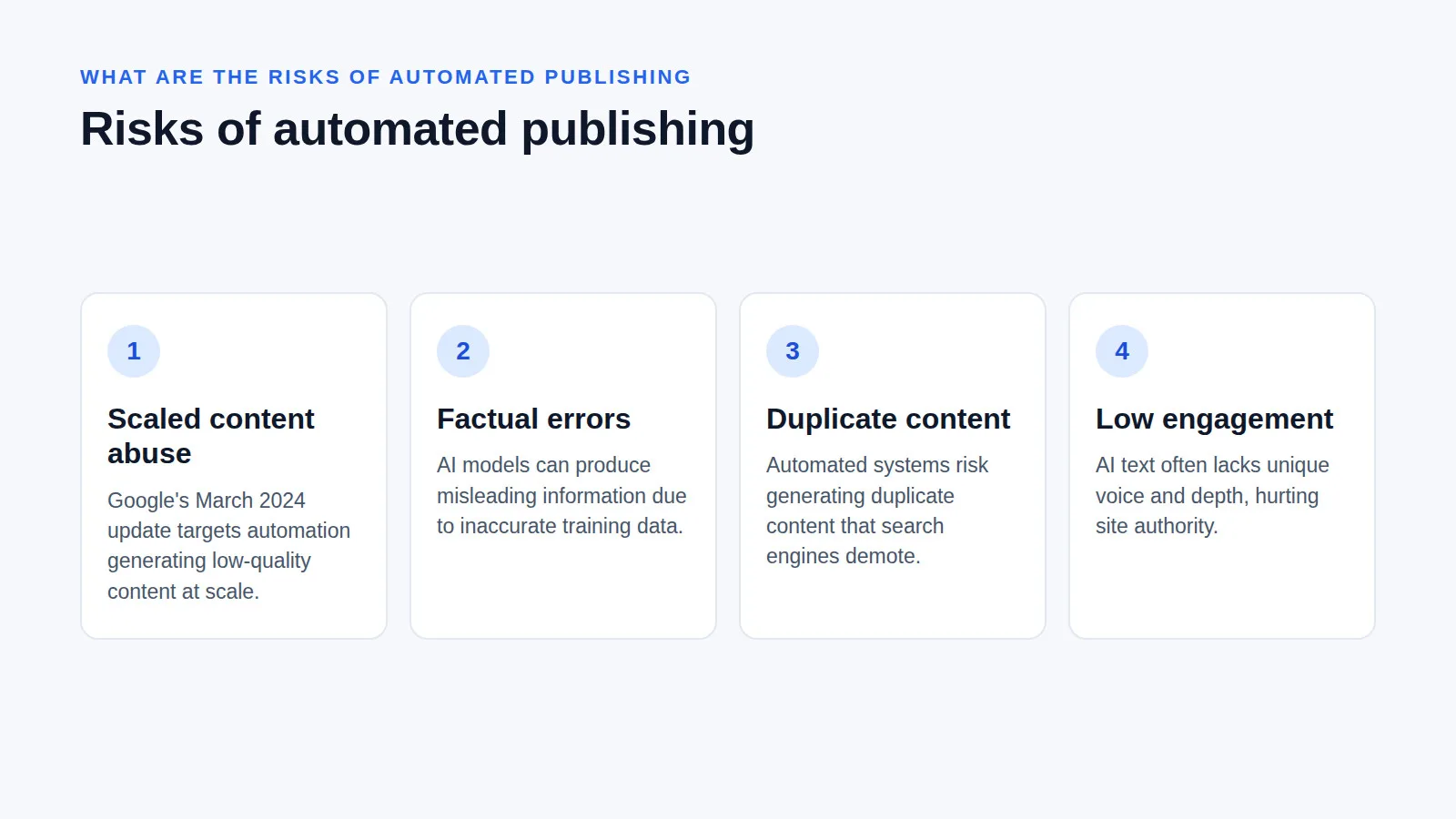
The primary risks of automated publishing include generating duplicate content, publishing factual errors, and triggering Google's scaled content abuse penalties. Search engines actively demote unoriginal, low-quality pages created primarily for search engines, meaning a fully unattended autoblog can quickly lose its search visibility and organic traffic.
When relying on AI, WP101 warns that models can produce factual errors or misleading information because they rely on training data that may not be accurate. Furthermore, AI-generated text often lacks the unique voice and depth required to build reader engagement, which can hurt your site's overall authority.
From a search engine perspective, the Google Search update in March 2024 specifically targeted scaled content abuse, which is defined as using automation to generate low-quality or unoriginal content at scale. Google reported that their combined efforts reduced low-quality, unoriginal content in search results by 45%. While Google's spam policies also cover cloaking and doorway abuse, scaled content abuse is the most direct threat to autobloggers. Google explicitly states they are refining systems to identify sites created primarily to match very specific search queries or those that feel like they were created for search engines instead of people.
How do you set up a safe autoblogging workflow?
Write & Grow Blog
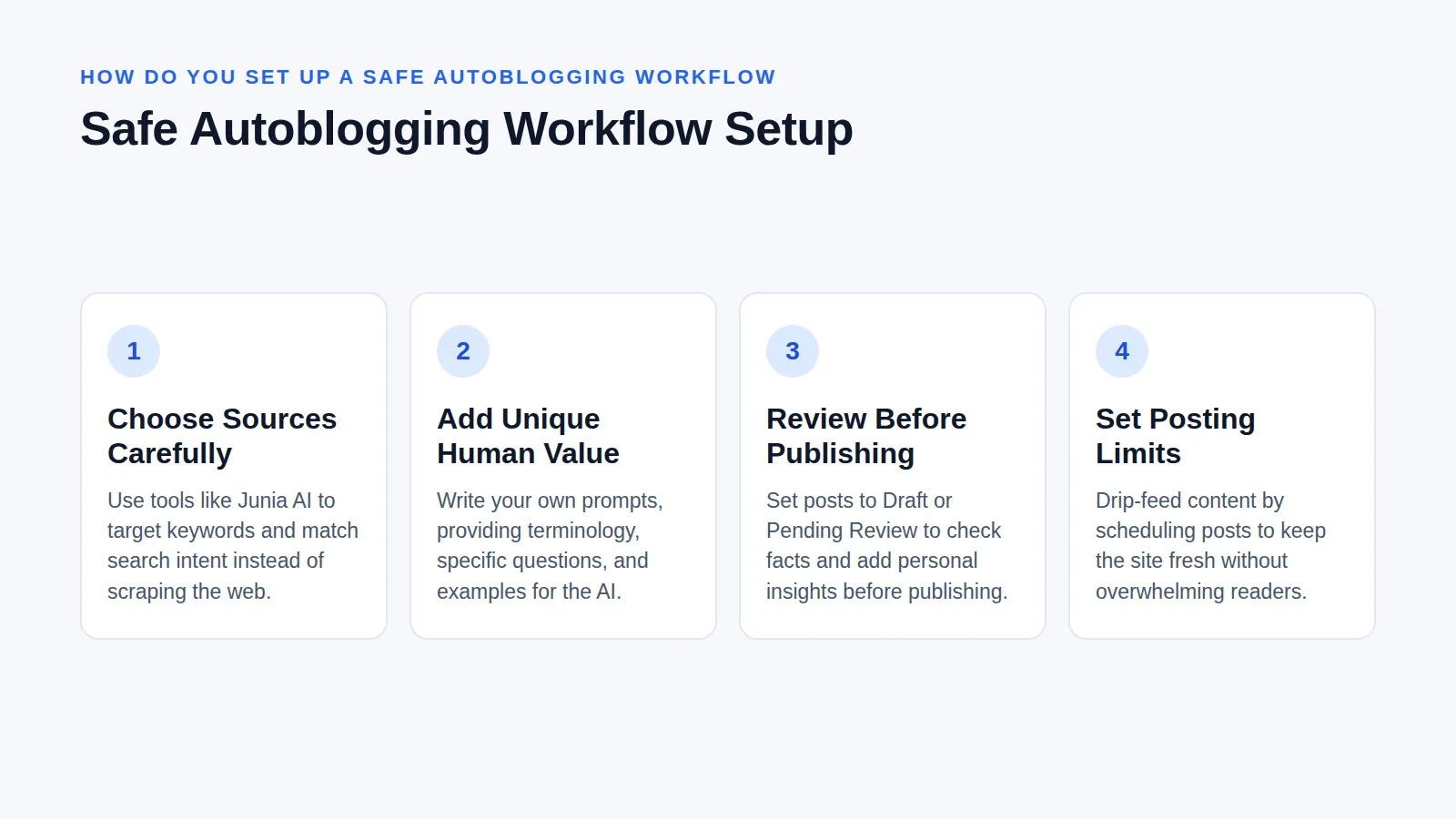
Setting up a safe autoblogging workflow requires treating automation as a drafting assistant rather than a final publisher. You must select high-quality sources, add unique human value, enforce a mandatory review step before publishing, and set strict posting limits to maintain editorial standards and search engine trust.
- Choose sources like an editor: Do not just scrape the web. Use tools like Junia AI to target specific keywords and match search intent, ensuring the topics actually matter to your audience and provide genuine utility.
- Generate and add unique value: If using AI, write your own prompts. Give the AI your terminology, the specific questions it must answer, and the examples it should develop.
- Review before publishing: This is the most critical step.
"Step 3 is the one people skip, and it is the one that decides whether the other three were worth running." — SmartWP
Always set your default post status to "Pending Review" or "Draft" in WordPress. Check the facts, cut the fluff, and add what only you know before changing the status to "Published".
- Set posting limits: Drip-feed your content. Schedule posts so your site stays fresh and updated without flooding your server or overwhelming your readers with dozens of posts in a single day.
What does this mean for your site's long-term search trust?
Relying entirely on automated publishing shifts your site's identity from an authoritative voice to a content aggregator, which fundamentally weakens long-term search trust. Building a sustainable autoblogging strategy means using automation to handle the mechanical drafting process while reserving the actual expertise, fact-checking, and editorial perspective for human writers.
Historically, autoblogging was about volume—flooding a site with thousands of thin pages to catch long-tail keywords. Today, Google's core ranking systems evaluate whether a site demonstrates real experience and expertise. If your autoblog merely regurgitates RSS feeds or generic AI text, it fails the helpful content test.
At Write & Grow, we help site owners build content plans that balance automation with human expertise, because the practical shift for site owners is moving from set it and forget it to automate the outline, humanize the draft. When you credit original sources, fix AI hallucinations, and inject your own site's internal links and proprietary data, the automation becomes a scalable editorial pipeline rather than a spam trap.
Safe Autoblogging Checklist
- Source deliberately: Only pull from trusted RSS feeds or highly specific, well-researched AI prompts.
- Draft as pending: Always set the default post status to "Pending Review" or "Draft" in your WordPress settings.
- Fact-check rigorously: Verify all claims, statistics, and outbound links generated by AI or feed importers.
- Add human insight: Inject your own expertise, internal links, and unique examples before hitting publish.
- Limit the volume: Drip-feed posts to maintain quality and avoid triggering scaled content abuse filters.
Frequently asked questions
What is the best autoblogging plugin for WordPress?
The best autoblogging plugin depends on your workflow, with WP Robot excelling at RSS curation and AI Autoblogger offering deep prompt control for original articles. RightBlogger provides a strong middle ground with its review-first publishing mode, ensuring nothing goes live without human approval.
Is WordPress still worth it in 2026 for automated content?
WordPress remains highly effective for automated content in 2026 because of its robust plugin ecosystem and direct integration with AI writers and workflow tools. Its flexible post statuses, custom post types, and native SEO plugin support make it the ideal foundation for managing automated publishing pipelines.
Can ChatGPT build a WordPress website automatically?
ChatGPT cannot directly build or host a WordPress website on its own, but it can generate the content, code snippets, and database queries needed to populate one. You still need a hosting environment, a WordPress installation, and plugins to connect the AI's output to your site.